Know how it’s going.No need to check.
Andon shows you what matters from all your systems on your iPhone and iPad: in the app and as widgets on the home screen and lock screen. Numbers, states, alerts.
No VPN and no login, yet end-to-end encrypted, and nobody needs to get into your network from outside.
Free for 7 days, then €4.49 a month.
Send. Scan. See.
Three steps to your first widget. Your IT sets up the first one, once. The other two take a minute.
Your data source sends
Your data source fetches the numbers you want to see and seals them with your key. That can be your software itself or a small building block next to it, such as a script or a Node-RED flow. Your existing software stays as it is. Andon receives only the sealed envelope. You create the key and the QR code in the configurator.
You scan a QR code
Scan once, done. The same code works for the whole team, whether at the machine, in the office or in the server room. No VPN, no account. Share the code only with people who should see the numbers.
You see your view
The view appears in the app, and every further code adds another one. Whatever matters to you goes on the home screen or lock screen as a widget. When a status changes, the relay wakes your widget by push.
Without opening the app.
Any tile can become a widget: small, medium or large, on iPhone and iPad. When a status changes, the widget shows it by itself.
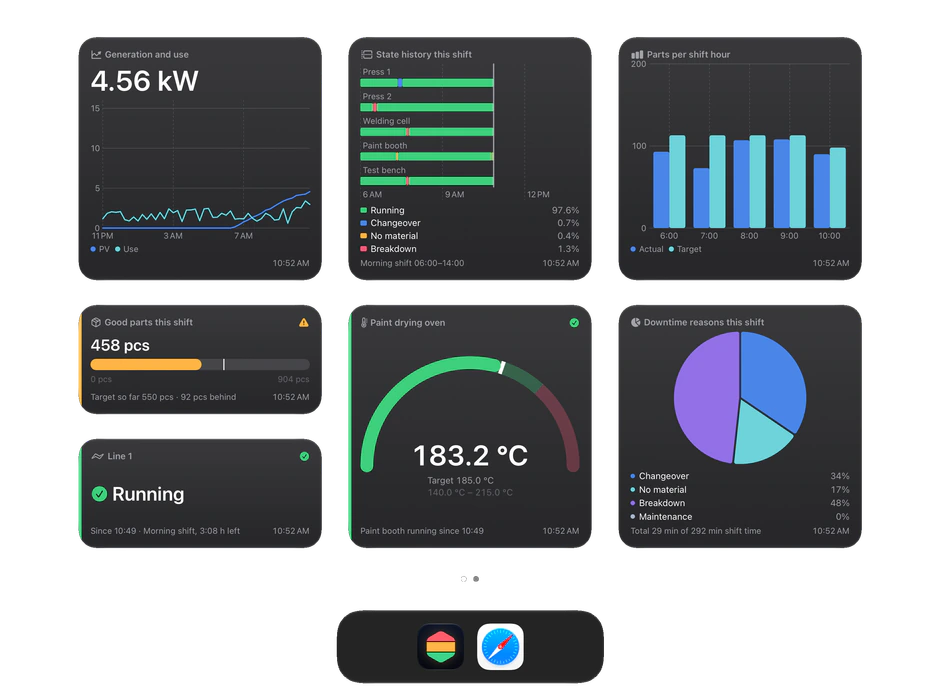
Try it yourself.
A factory, a cloud service, a house with solar: whatever your data is.
Download the app and look around, free for 7 days.
Factory
One assembly line in one shift: is the line running, how many pieces so far, which station is stuck. Plus the timeline of the shift. Traffic-light colours, like the andon board on the floor.
Cloud service
A service in a data centre: requests, response time, error rate, nodes, open incidents. A glance at the widget instead of logging in to a dashboard.
House with solar
Photovoltaics, battery, grid import and export, rooms. Hardly any traffic lights, plenty of colour: numbers you like to see, without anything raising an alarm.
A window, not a switch.
Andon shows your numbers. It controls nothing, opens no way in, and nobody reads along. Four promises you can rely on.
Show only
Andon can only receive. No widget switches a machine, no tap changes an order. No command goes back from the device to your data source.
Nobody reads along
Your numbers are encrypted before they leave your building. The key is created on your side and travels only by QR code to your devices. What we hold are sealed envelopes, and we have no key for them.
No access inwards
Your data source sends outwards. Nothing and nobody has to get into your network from outside. No firewall exception, no VPN, no open port.
Revoke access any time
You revoke a device in the configurator. It stops receiving data at once; every other device stays connected. The old QR code no longer pairs new devices.
Green, amber, red, grey. An andon needs nothing more.
Your data source assigns the colour, not the app. Without a colour a tile is neutral: a number without a verdict. If data stays away longer than agreed, it turns grey. Nothing looks healthy that nobody reports any more.
Green: all good
Everything runs as intended.
Amber: take a look
Somebody should look. Nothing is broken.
Red: act now
Somebody has to act now.
Grey: no data
The value is old or missing. That says nothing about the thing itself.
You choose how it looks.
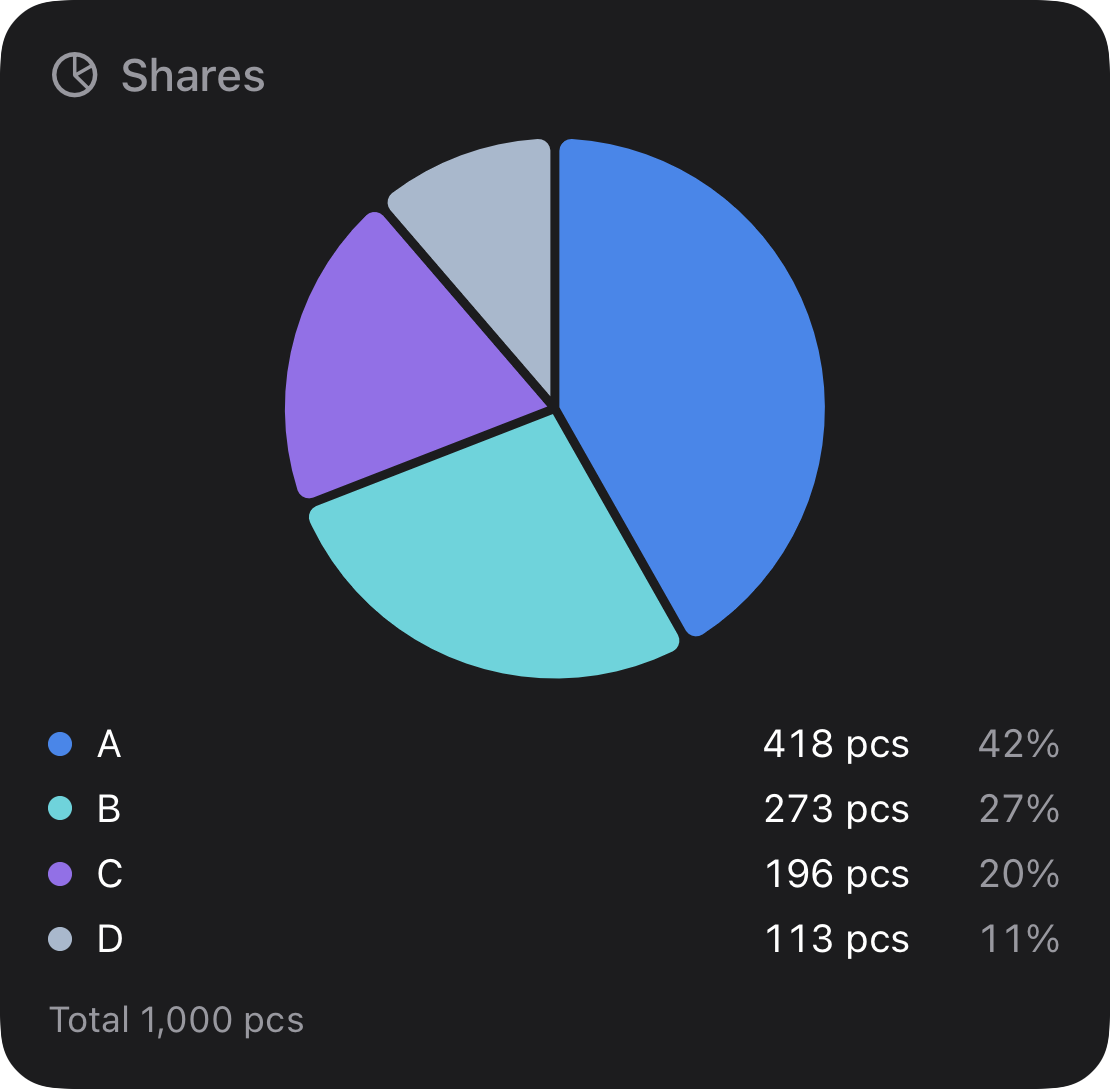
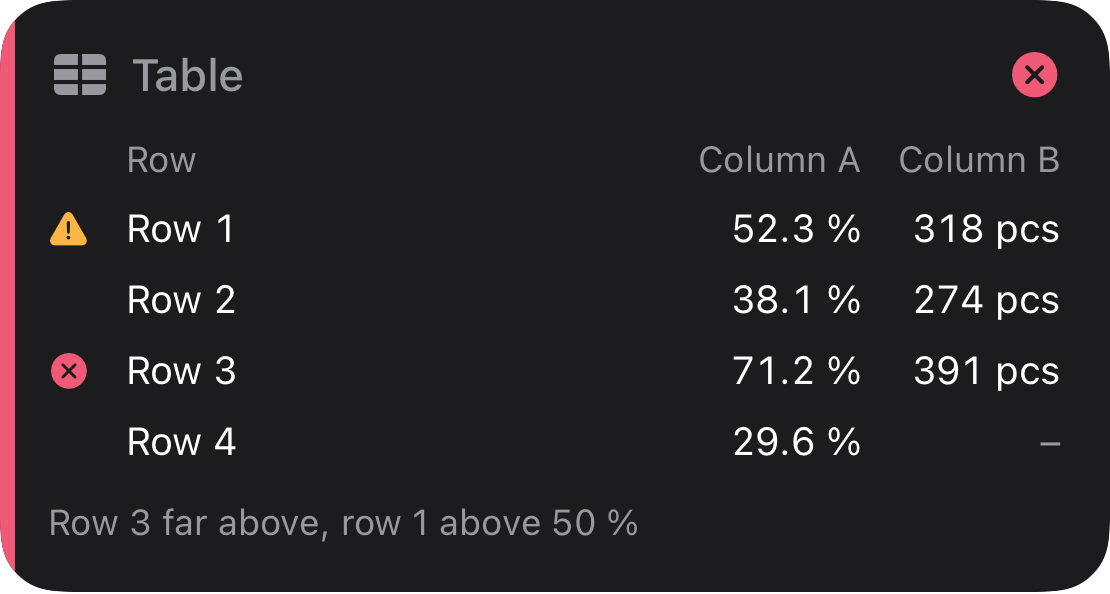
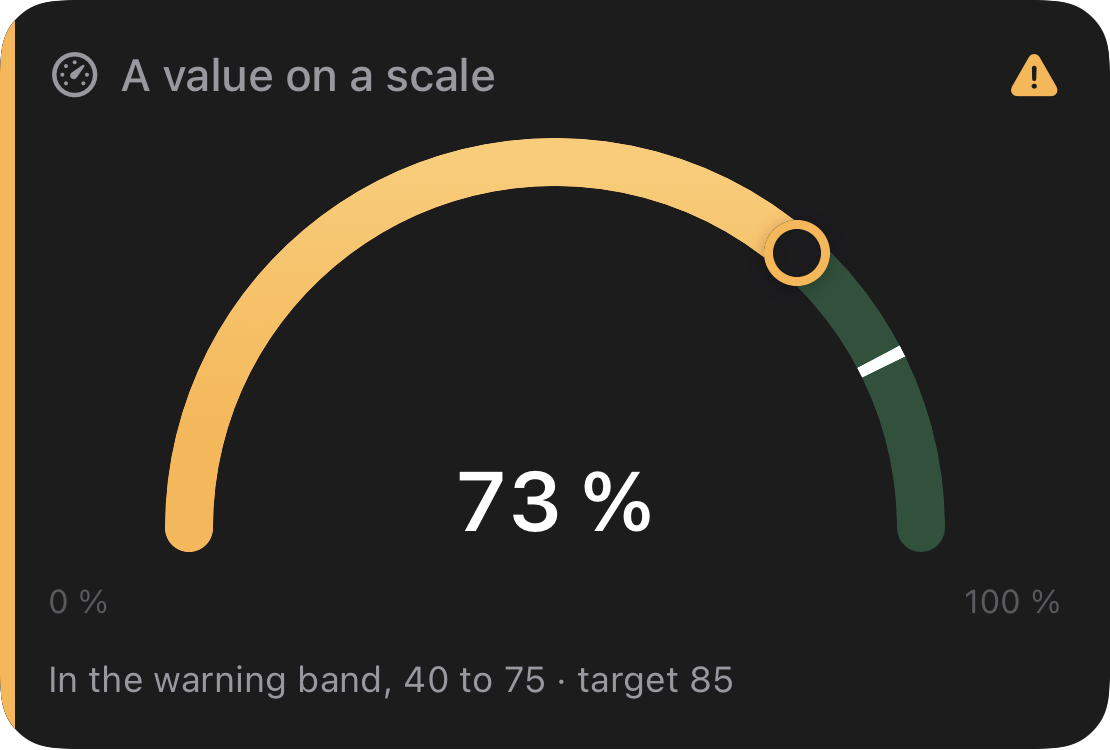
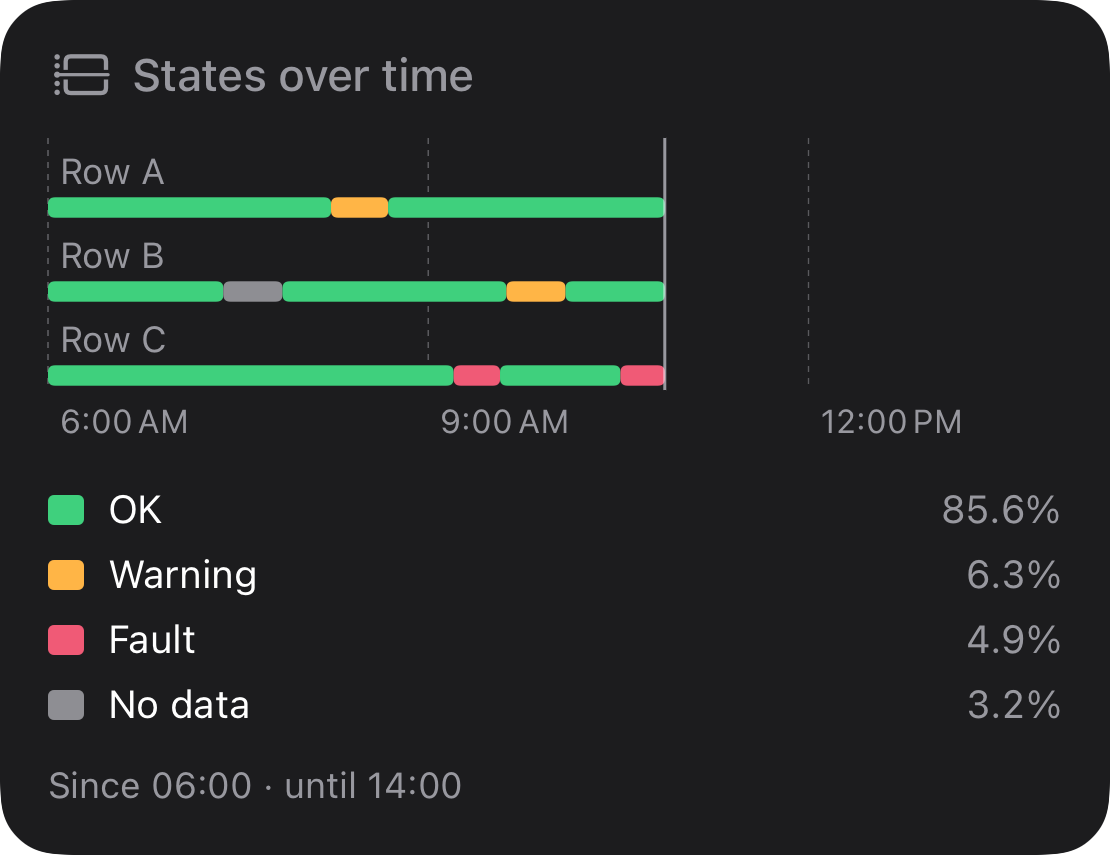
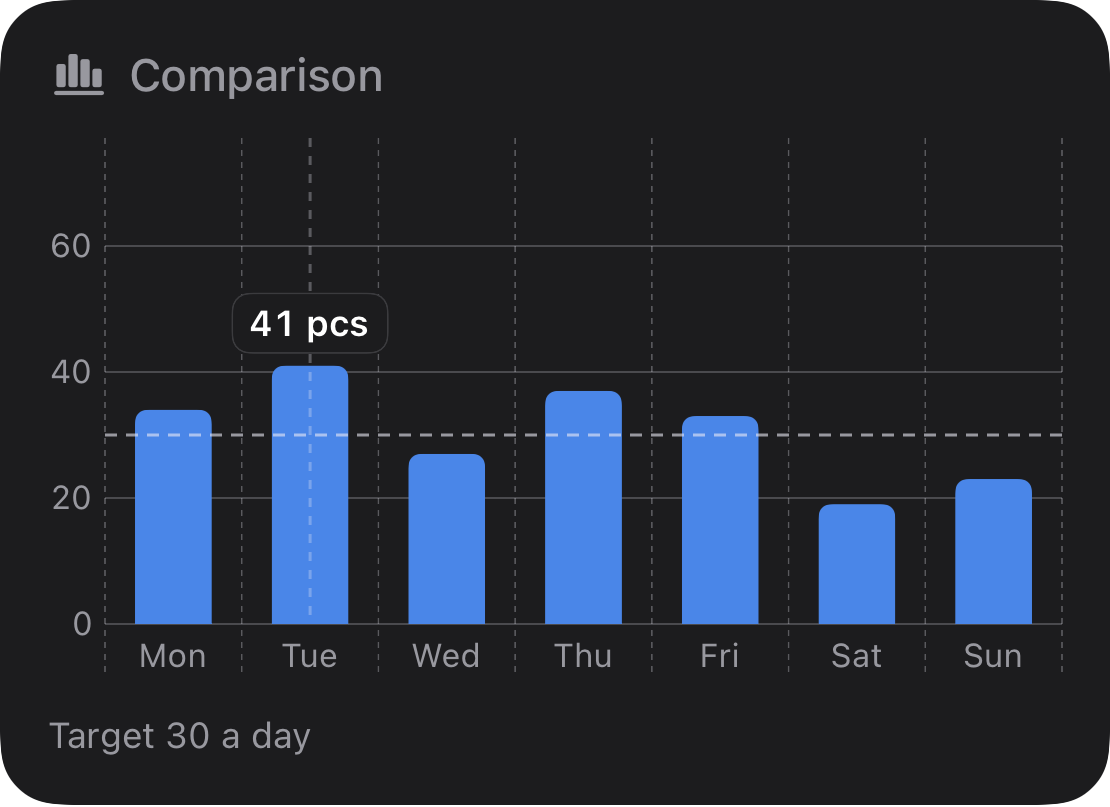
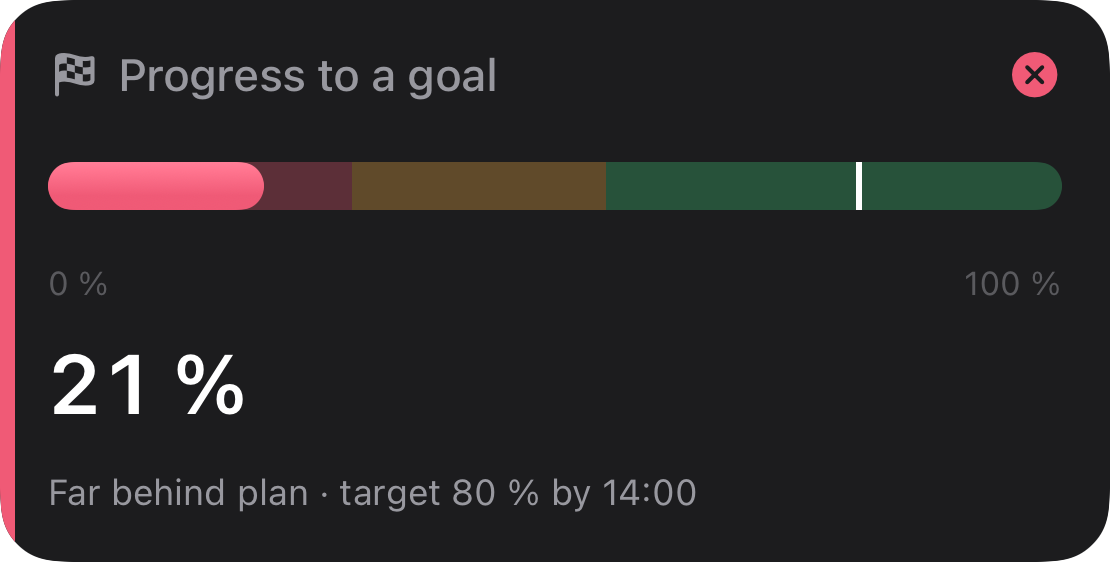
A value, a scale, a trend, shares, a small table, a timeline. For the questions that come up every day. The dots show each tile without a status and with ok, warning and critical.
label
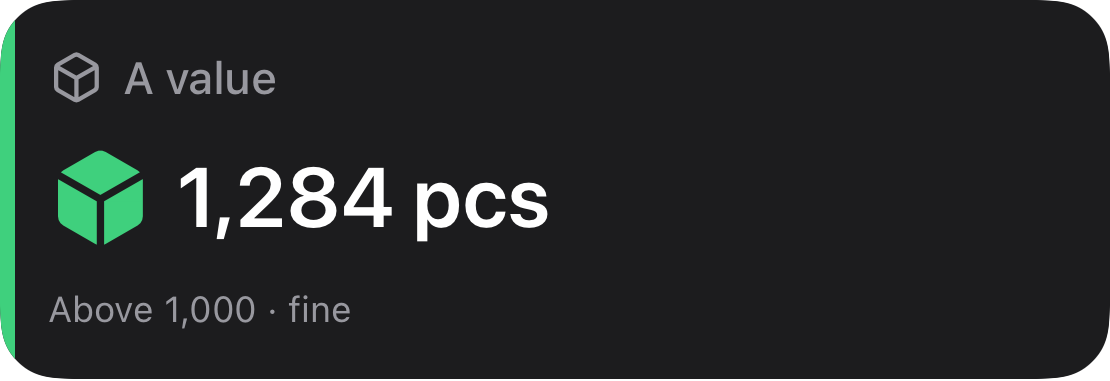
donut
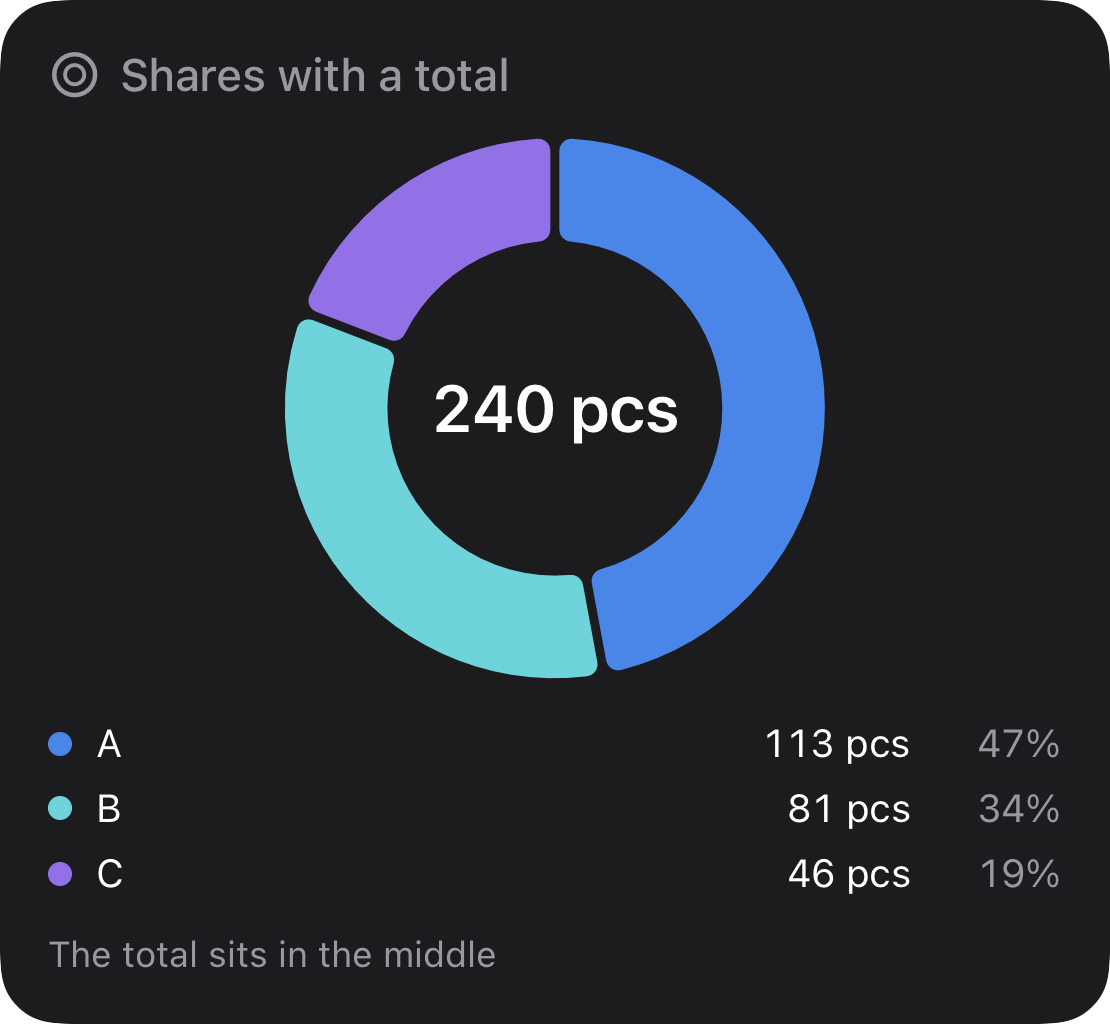
line
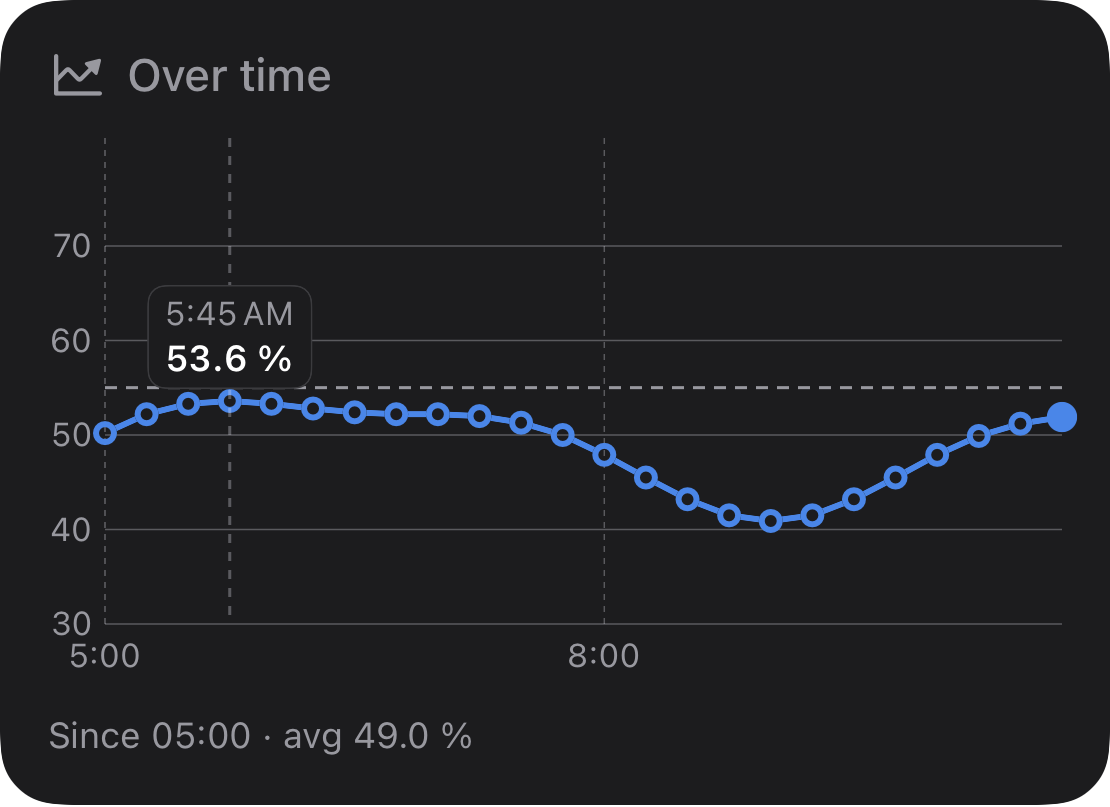
pie
table
gauge
timeline
bar
progress
One subscription, full scope.
Free for 7 days, then a monthly subscription in the App Store, cancel any month. The same features for everyone, no tiers, no add-on modules. One subscription covers your Apple ID.
- ✓All tile kinds, any number of views
- ✓Home and lock screen, StandBy on iPhone
- ✓Wakes the widget on a status change
- ✓End-to-end encrypted
- ✓iPhone with iOS 26, iPad with iPadOS 26 or later
Start with one number.
One tile is enough to start. In the configurator you build your first view and send it to your device with a test envelope, before your data source is even ready. For the connection, your IT finds everything on the developer page.